Title: Mastering Veo: A Step-by-Step Guide to Getting the Most Out of Your AI-Powered Sports Camera
Have you recently invested in a Veo AI-powered sports camera? Whether you’re a coach aiming to refine your team’s performance, a parent eager to capture your child’s highlights, or just a tech enthusiast, understanding how to make the most out of your Veo setup is crucial. In this guide, we’ll break down how to effectively use your Veo camera, from setup to game analysis. Let’s dive into the world of AI-enhanced sports recording!
Introduction to Veo
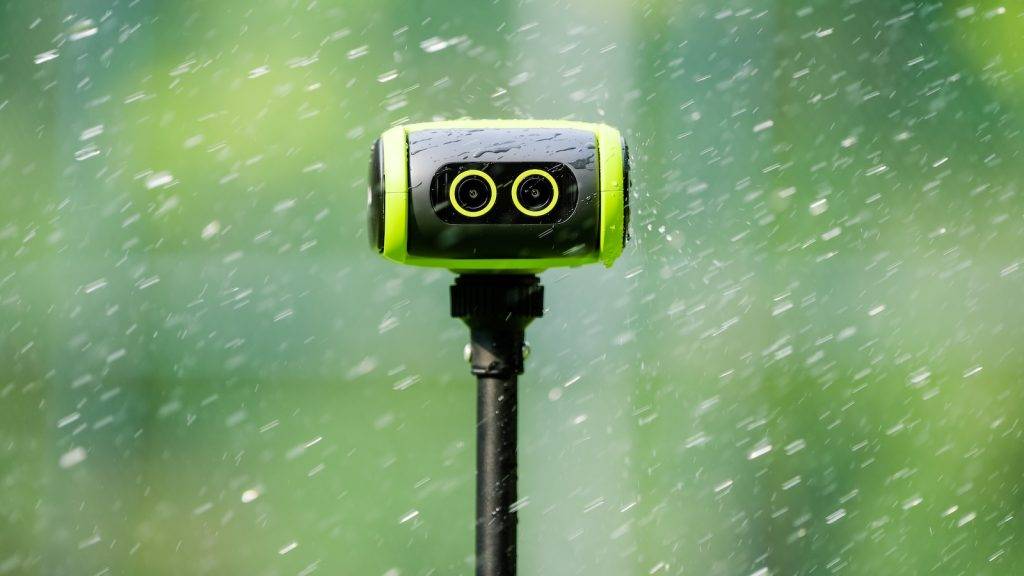
Veo offers a suite of tools centered around their versatile AI-powered camera designed for sports enthusiasts. The Veo camera provides a comprehensive recording solution that simplifies the process of capturing and analyzing sports matches. If you are still weighing the purchase, our guide to whether the Veo camera is worth it for youth soccer covers pricing and who it suits, and our Pixellot vs Veo vs Hudl comparison shows how it stacks up against the alternatives.
1. Setting Up Your Veo Camera
Begin by unboxing your Veo Cam. If you have the Veo Cam 3 5G, it will come with an option for 5G connectivity via a SIM card slot, enhancing live-streaming even in remote locations with limited network coverage.
- Powering Up: Switch on your camera using the power button. You’ll notice strobing lights indicating the camera’s booting process.
- Connecting Your Mobile Device: Ensure you have the Veo camera app installed on an iOS or Android device. This application acts as your control hub for managing the camera and recordings.
- Tripod Setup: Assemble the provided carbon fiber tripod, either the 5.2-meter version or the 7.4-meter variant, depending on your needs. Attach the camera using the quick release plate to securely mount the camera onto the tripod.
2. Connecting and Operating Your Veo Camera
Once your camera is mounted:
Looking to improve your touch? Try this.
- Establish a Connection: Use the Veo app to connect to the camera, enabling you to preview, record, and stream your sporting events.
- Using Preview Mode: Before kicking off the recording, activate preview mode from the app. This step ensures the camera views the entire field, critical for optimal AI tracking.
- Field of View Configuration: Verify that the camera captures all four corners of the pitch to allow the AI to automatically mark and follow important game events like goals and corners.
3. Recording Your Games
With your Veo camera set up and ready:
- Recording: Start the recording with a tap. Once initiated, the camera will automatically capture the entire game, aided by its wide-angle lens and AI capabilities.
- Analysis During the Game: As you watch, bookmark key moments using the app to easily return to critical match events post-game.
4. Post-Match Analysis and Video Review
After the game wraps up, it’s time to delve into the analytics:
- Uploading Footage: Connect your camera to Wi-Fi to upload the recordings. The platform will automatically stitch and process the footage.
- Event Detection: The AI highlights key events like goals, shots, and corners. This feature saves time in identifying pivotal moments during the match.
- Clip Creation: Use the app to cut and annotate clips. This can help in providing direct feedback to players or in creating highlight reels to showcase the team’s performance.
5. Leveraging the Veo Platform
Beyond the camera, the Veo ecosystem offers tools for a broader analysis:
- Team and Player Management: Invite players and coaches into your Veo team, enhancing engagement and allowing them to review their performance via personalized clips.
- Advanced Analytics: The platform provides detailed data, including pass completion rates and heat maps, offering a deep dive into your team’s strategies and positioning.
6. Going Live
Take advantage of Veo’s live-streaming capabilities:
- Setting Up a Live Stream: Choose your streaming destination such as YouTube or Facebook directly through the Veo app.
- Enhancing Broadcasts: Use overlays for sponsor logos and additional information to enhance the viewing experience.
7. Continuous Improvement
How To Play Soccer in Europe Here's How We Did It..
Regular usage of Veo tools can lead to continuous improvement in team performance:
- Utilize Player Profiles: Encourage players to use the player profile feature, helping them create highlight reels to present to recruiters or coaches.
- Coach Assist Interaction: Use the Coach Assist feature to generate automated match reports, providing insights on team dynamics and performance trends.
Final Thoughts
The Veo camera is much more than just a recording device—it’s a comprehensive tool that bridges the gap between live sports action and post-game analysis. Whether you’re a coach aiming to enhance team gameplay or a player looking to improve, understanding and leveraging each feature can significantly elevate your sporting experience. Enable your team’s best performance yet by mastering every function Veo has to offer!
Learn more about the revolutionary VEO camera here.

I discovered soccer as a U-6 coach. I love soccer, futsal on the weekends in a men’s league. I am now living in Portugal (and playing futsal!)
Check out my new directory of incredible football training tools.
I watch UEFA Champions League when I’m not playing, and I catch regular games with this North American streaming service.
Here’s how we ended up getting my son to play football in Europe.
(Use this VPN).